Instant Access After Sign-In
Once logged in, your full game library, active bonuses, and loyalty dashboard are available immediately with no additional steps.
Login at Winboost in the UK: Account Security & SSL
Access your account, bonuses, and 7,000+ games with a secure, straightforward sign-in process.
Keep Your Account Secure
What You Should Do
What You Should Avoid
Your Winboost Account, Explained
Instant Access After Sign-In
Once logged in, your full game library, active bonuses, and loyalty dashboard are available immediately with no additional steps.
Secured by SSL Encryption and 2FA
All Winboost account sessions are protected by SSL/TLS encryption, and two-factor authentication is available to add a second layer of security.
Sign In from Any Device
Winboost Casino runs in any modern mobile browser on iOS and Android, so you can log in and play from your phone without needing an app.
Winboost Casino uses a standard email-and-password combination as the primary sign-in method. You enter the email address you provided during registration and the password you set at that time. No separate username is required. Two-factor authentication can be enabled in account settings and adds a verification code step after the password is accepted, which substantially reduces the risk of unauthorised access.
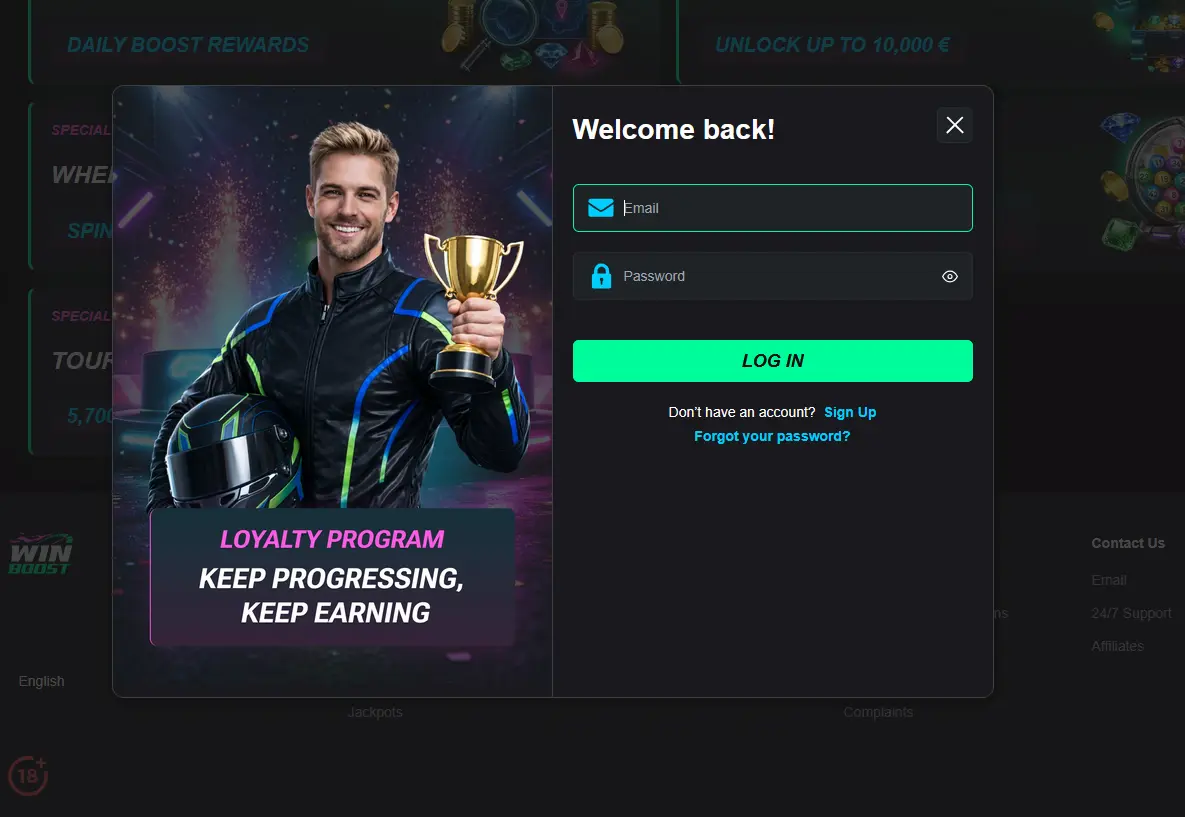
For players who want the fastest route back into their account, saving a bookmark to the Winboost login page in your mobile browser avoids having to search for the site each time. On iOS devices, Safari can store a shortcut on the home screen that opens the browser version of the casino directly.
Signing in to your Winboost Casino account follows the same short process whether you are on a desktop computer, a mobile browser, or using the app-style shortcut on your phone.
Open your preferred browser (Chrome, Firefox, Safari, or Microsoft Edge all work reliably with Winboost Casino) and navigate to the official site. Click the Log In button in the top-right corner of the homepage. Enter the email address linked to your account and your password in the fields provided. Click the confirm button to complete the sign-in and land on your account dashboard.
On an iOS or Android device, open Safari or Chrome and go to the Winboost Casino site. The mobile version of the login screen mirrors the desktop layout and is fully touch-optimised. Tap the Log In button, enter your email and password, and confirm. The mobile browser session gives you access to the same library of 7,000+ titles, your active bonuses, and all payment options available on desktop.
Winboost Casino does not currently offer a native app through the App Store or Google Play. The mobile browser experience functions as a progressive web app (PWA), meaning the site behaves like an app in the browser window. To sign in, open the Winboost site in your mobile browser and follow the same steps as the mobile browser login above. You can save a shortcut to the Winboost page on your device’s home screen for quicker future access.
Login difficulties at Winboost Casino usually fall into one of a handful of categories, each with a straightforward resolution.
If your email and password are not being accepted, the most common cause is a mistyped email address or a case-sensitive password error. Double-check both fields carefully. If you are still unable to sign in, use the forgotten password link on the login page to trigger a reset email to your registered address. The link in that email expires after a short window, so complete the reset promptly once you receive it.
If the login page itself is not loading, try clearing your browser cache and cookies or switching to a different browser. Winboost Casino is compatible with all modern browsers, and a cache conflict is a frequent cause of pages behaving unexpectedly. Disabling any active VPN connection can also resolve loading issues in some cases.
If your account appears to be locked or you receive an access-restricted message, your account may be under a KYC review, subject to a security hold, or within a self-exclusion period you set previously. The 24/7 support team is available via live chat or at [email protected] to clarify the reason and, where applicable, restore access once the relevant condition is resolved.
Your Winboost Casino account is protected by SSL/TLS encryption on all data transmitted between your device and the platform’s servers. This means your login credentials and personal details are secured during transmission in the same way as online banking sessions. Winboost also provides two-factor authentication, which can be enabled in the security section of your account settings. Once active, a verification code is sent to your registered email or mobile number each time a sign-in is detected from a new device.
Beyond technical protections, good account hygiene is the most practical safeguard. Using a password that is both unique to Winboost and difficult to guess significantly reduces the risk of unauthorised access. Changing your password periodically and avoiding sign-in on shared devices are straightforward habits that reinforce security further. If you ever suspect your account has been accessed without your authorisation, contact the support team immediately via live chat so the account can be reviewed and secured without delay.
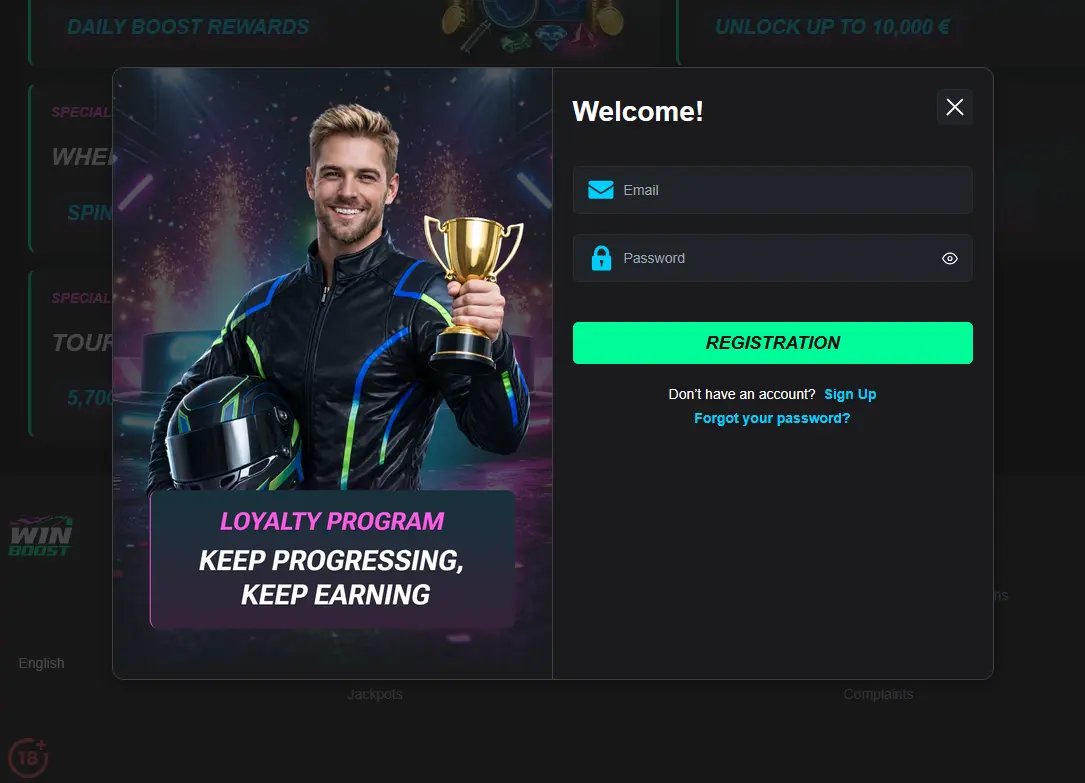
If you do not yet have a Winboost Casino account, registration is open to UK players aged 18 and over. Creating an account takes under three minutes and requires a valid email address, a secure password, and basic personal details including your date of birth and address. Once the email verification step is complete, the full game library and all active promotions become available immediately. No deposit is required to browse the lobby or to access demo play on most slot titles.
Login Questions at Winboost Casino
Click the forgotten password link on the Winboost login screen, enter the email address registered to your account, and follow the reset link sent to your inbox. If the email does not arrive within a few minutes, check your spam folder or contact [email protected].
Winboost Casino ends sessions after a period of inactivity as a security measure required under its UK Gambling Commission licence. Simply log back in to resume where you left off.
Yes — Winboost Casino is fully optimised for mobile browsers on both iOS and Android devices; no app download is required and all account features, including bonuses and payments, are accessible from the mobile site.
Account access may be restricted during a self-exclusion period, a pending KYC review, or following a security alert. Contact the 24/7 support team via live chat or at [email protected] with your registered details to resolve the issue.
Ready to Log In to Winboost Casino?
Get up to £2,500 and 200 free spins across your first four deposits. 18+.
Enter the Casino 18+ only. Gambling may lead to addiction, and the bonus terms and conditions apply.